Gemini AI Photo Prompt Copy Paste: 5 Festival Portrait Styles
Free gemini ai photo prompt copy paste pack for festival portraits — 5 copy-paste prompts with example images for Gemini photo edits.


Need a ready ai photo editing prompts for festival portraits? This guide gives five copy-paste prompts plus example images so you can edit photos in Google Gemini fast while keeping your face locked. Browse more in all articles and festival prompts .
Classic festive diya warmth. This ai photo editing prompts works best with a clear face photo.
Edit this photo into a festive portrait with warm diya glow. Keep exact face identity. Soft golden celebration light, subtle floral accents, gentle bokeh, photorealistic, no face morphing.
Marigold and flower accents. This ai photo editing prompts works best with a clear face photo.
Edit this photo into a floral celebration festival portrait. Keep the face exact. Soft flower accents, bright festive light, cheerful color, photorealistic detail, no face swap.
Rich traditional outfit texture. This ai photo editing prompts works best with a clear face photo.

Edit this photo into a traditional festive outfit portrait. Keep identity unchanged. Rich fabric texture, soft spotlight, elegant pose, warm grade, photorealistic jewelry highlights, no oversmoothing.
Sparkler bokeh night energy. This ai photo editing prompts works best with a clear face photo.
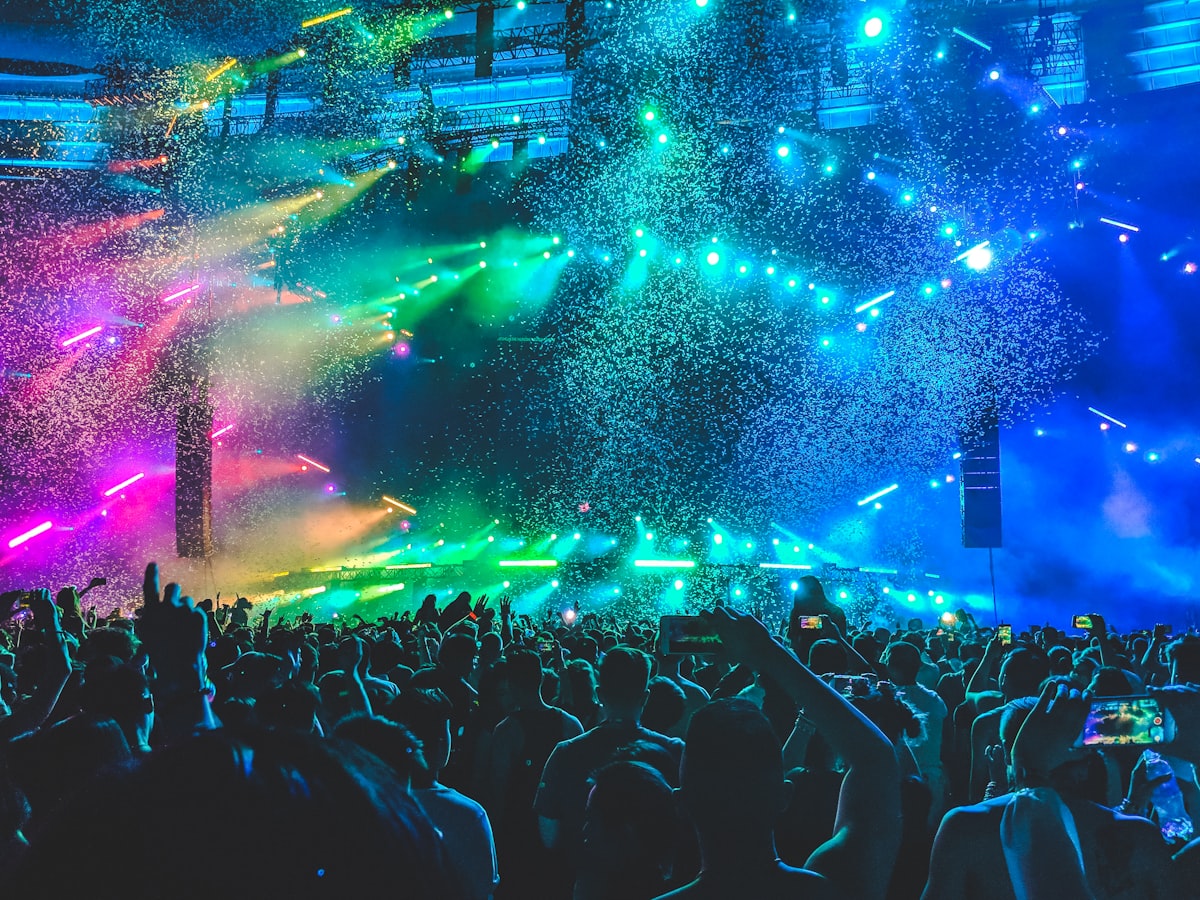
Edit this photo into a night celebration portrait with sparkler bokeh. Keep exact face. Warm spark lights, shallow depth of field, festive atmosphere, photorealistic skin, no face change.
Soft cultural celebration light. This ai photo editing prompts works best with a clear face photo.
Edit this photo into a soft temple-light festive portrait. Keep face identity exact. Warm ambient light, gentle shadows, respectful cultural atmosphere, photorealistic, no face morphing.
Q: Is this ai photo editing prompts pack free? A: Yes. The prompts are free to copy. Gemini is free with a Google account for standard photo edits.
Q: Do these prompts work in ChatGPT too? A: Yes. Paste any ai photo editing prompts block into Gemini or ChatGPT image tools with your photo. If the face changes, add: keep the exact same face and facial structure.
Internal links for SEO crawl flow: AI Photo Editing Prompts Neon , AI Prompt Generator Couple , AI Prompt Generator Neon , Gemini AI Photo Prompt Copy Paste Couple , all articles , more festival .
Free gemini ai photo prompt copy paste pack for festival portraits — 5 copy-paste prompts with example images for Gemini photo edits.
Free google gemini ai photo editing prompts pack for festival portraits — 5 copy-paste prompts with example images for Gemini photo edits.
Free google gemini ai photo editing prompt pack for festival portraits — 5 copy-paste prompts with example images for Gemini photo edits.